Older Simplicity Versions
· This Section will give you all the previous information on what was changed in this program version.

|
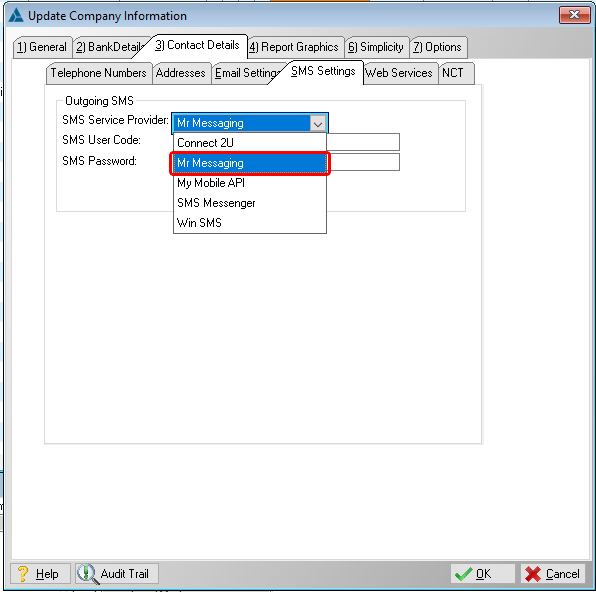
§Company Parameters - Contact Details - SMS Settings - Added "Mr Messaging" SMS provider.
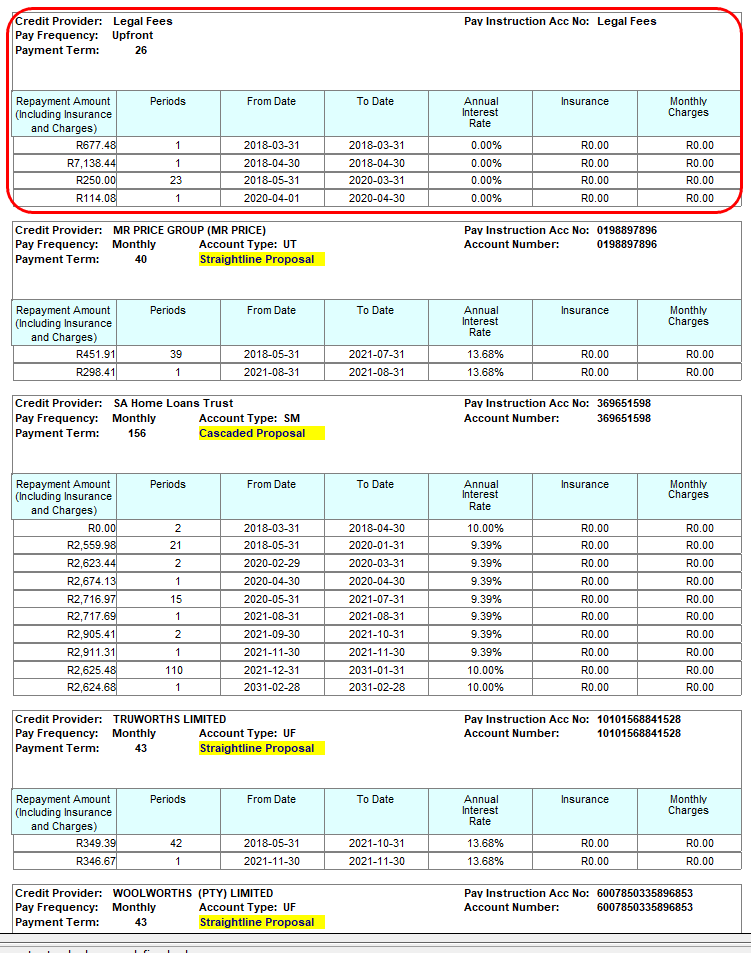
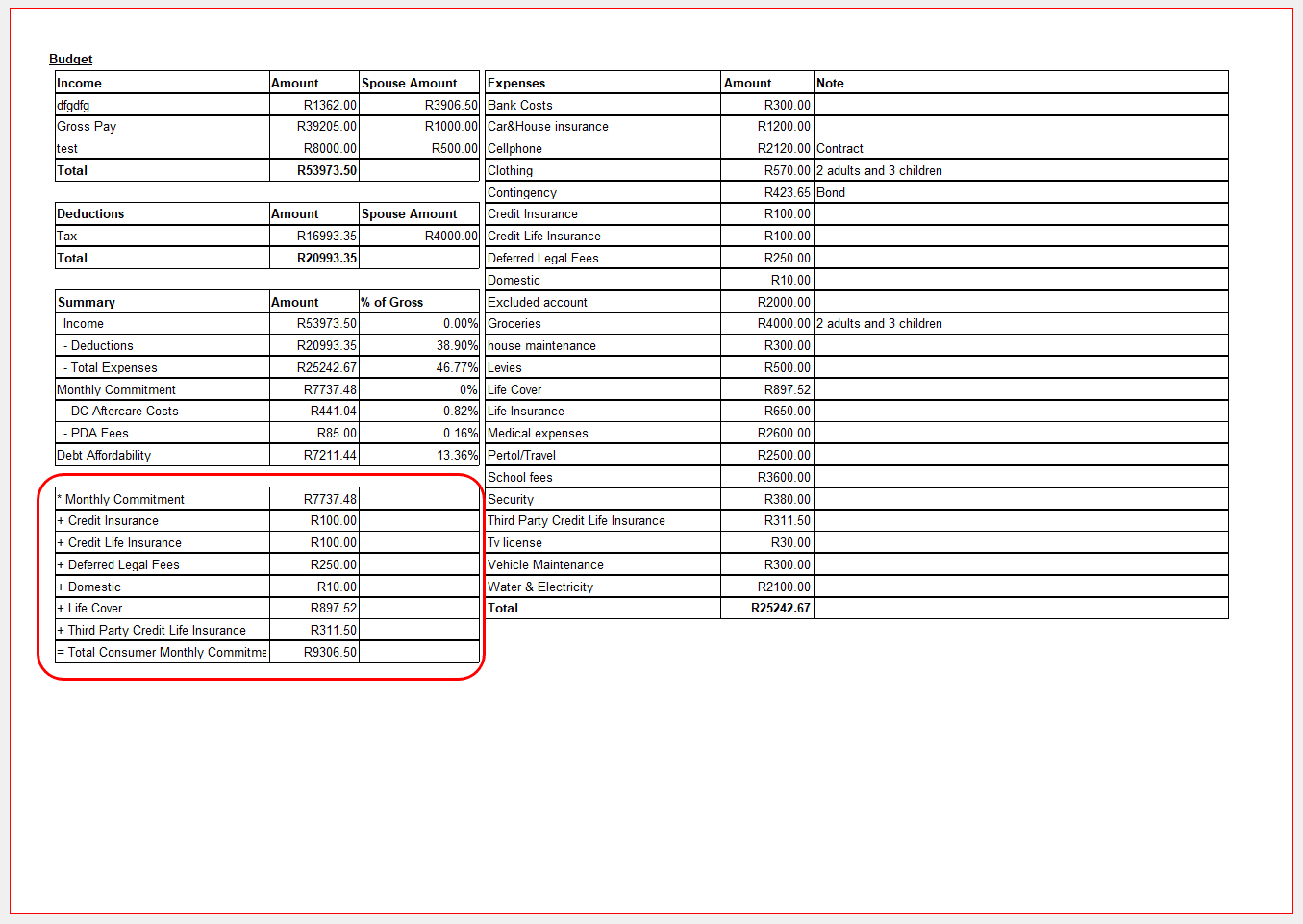
§Updated the Proposal Summary to include deferred legal fee instalments.
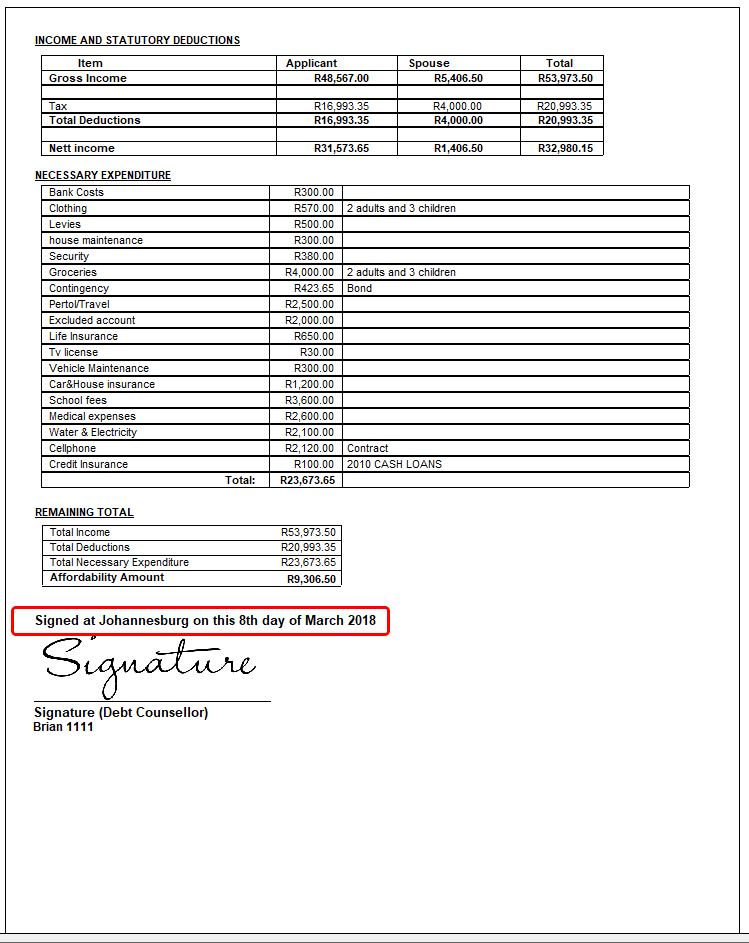
3.Form 16 §When printing the form 16, if only the DC signature is present, the "Signed At" field is populated with the DC's town.
§Company Parameters - Options - Added more options when disabling linked insurance for proposals and plans.
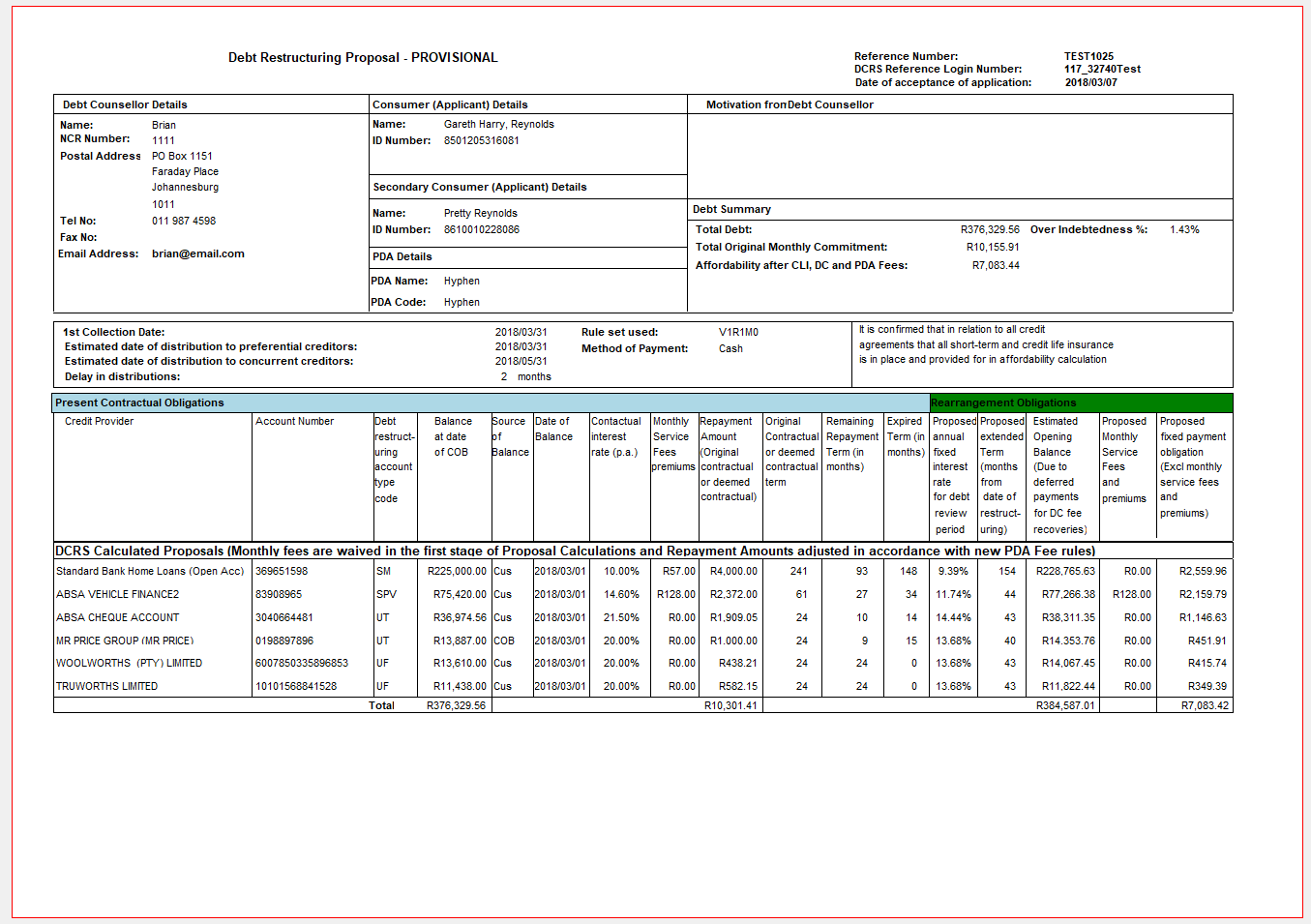
§Updated the DCRS proposal report, the budget page also indicates the additional fee figures..
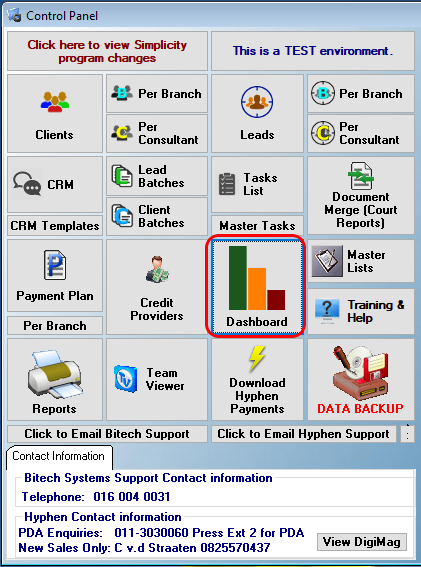
§Added Dashboard feature which will display the stats of your business through a Graphic interface on the workstation's default internet browser, data security must be set up for users that are to view this information.
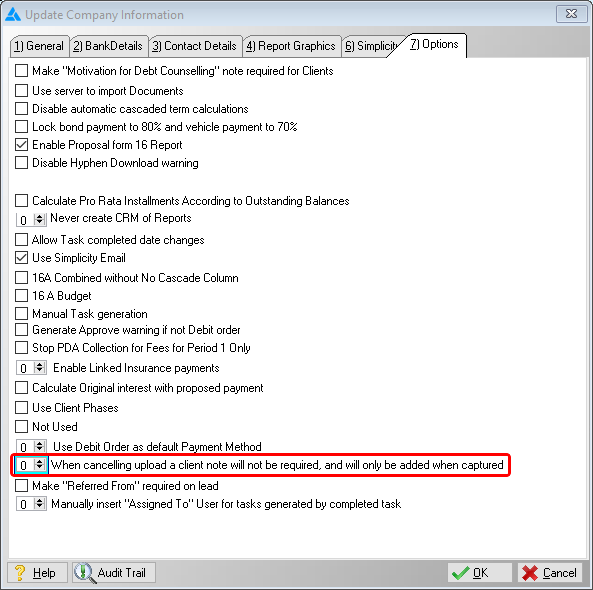
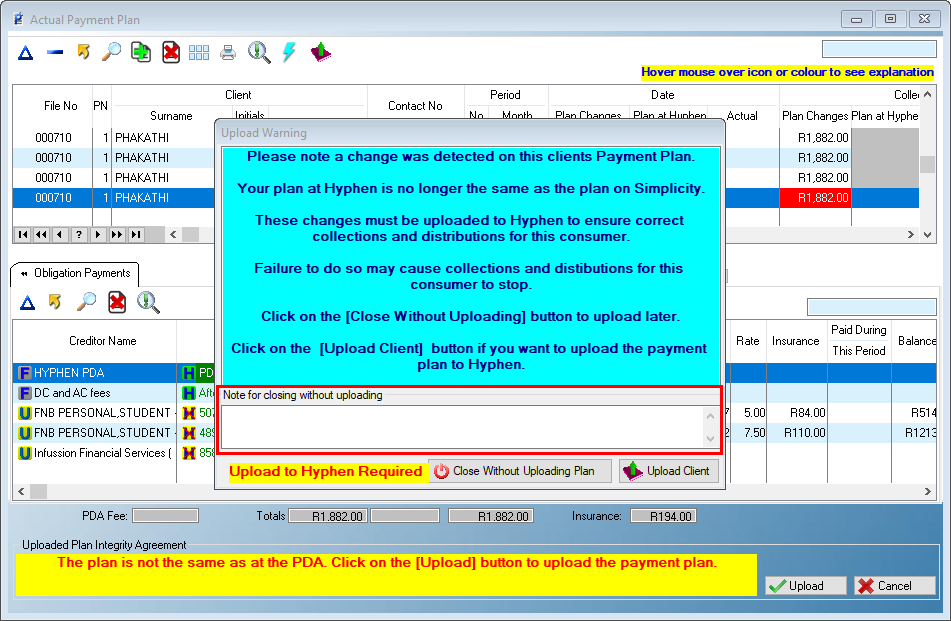
7.Master Data - Company Parameters §Added option which will determine whether or not a user will receive an upload warning and whether or not the warning will require a note.
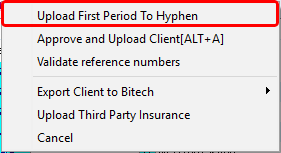
8.Client Browse - Upload feature § Added feature that allows only the first period of the plan of new clients to be uploaded.
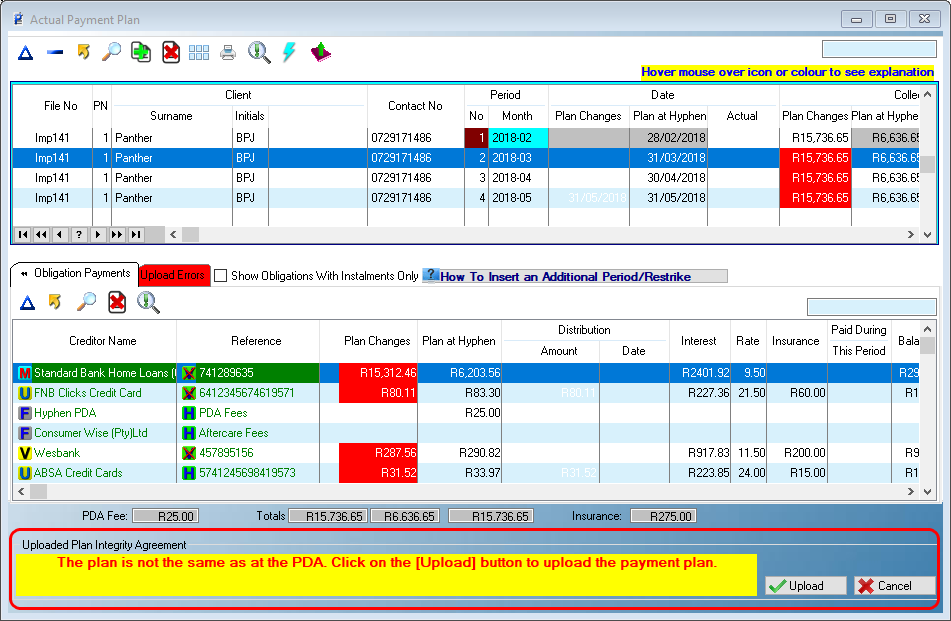
§Updated the client upload feature in order to streamline the upload process - Changes that affect the payment plan will cause the payment plan to open upon closing the form in order to encourage uploading.
10.Client Form § When making any changes to the client information, the client file will be uploaded to Hyphen upon closing the form.
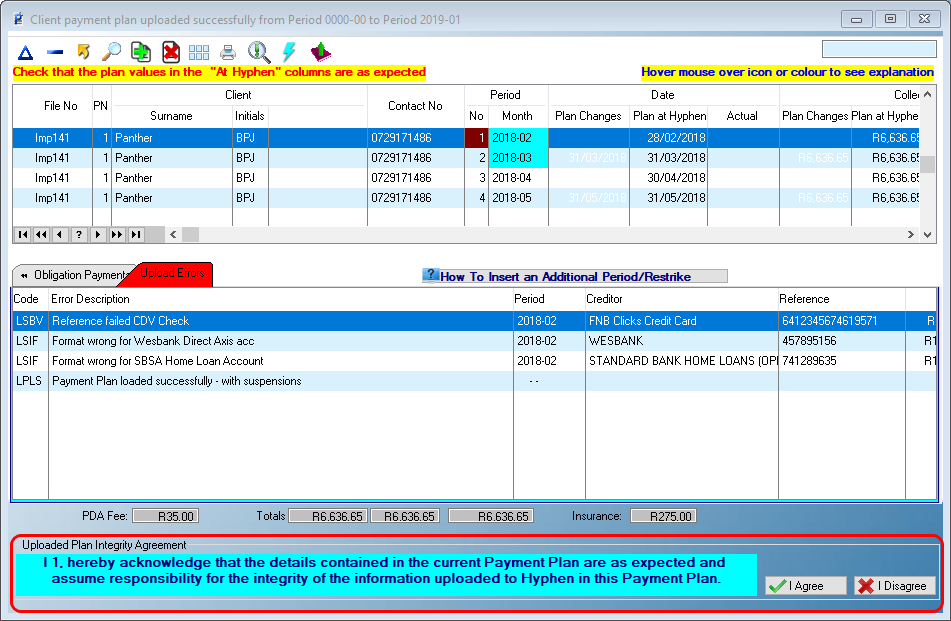
11.Payment Plan §Made changes to the plan window to encourage the upload of existing payment plan changes.
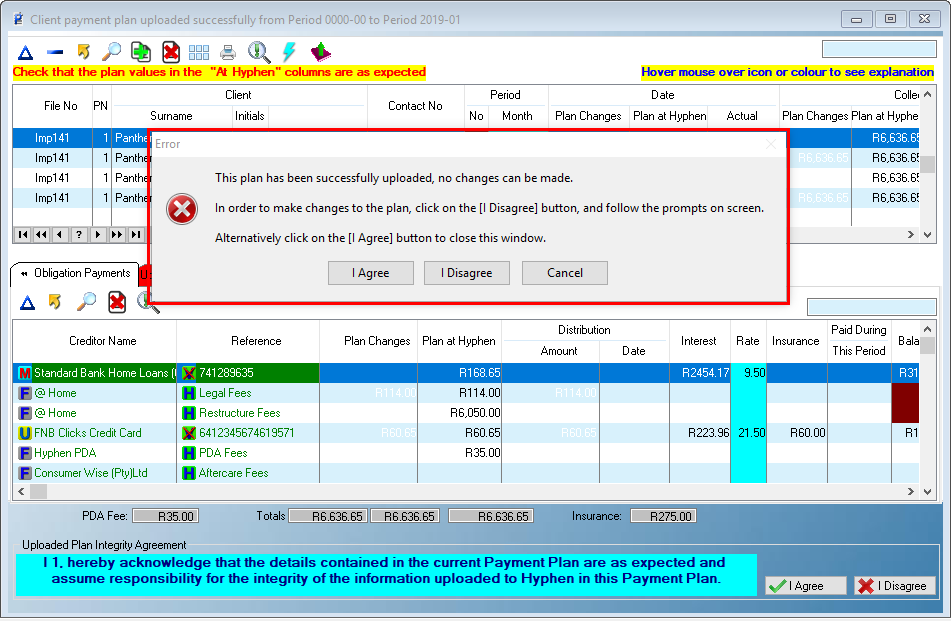
§When plan has been successfully uploaded, the plan cannot be directly edited before I Agree or I Disagree has been selected.
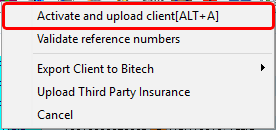
13. Client Browse - Client Upload § Activating an inactive or terminated client must be done by using the Upload feature.
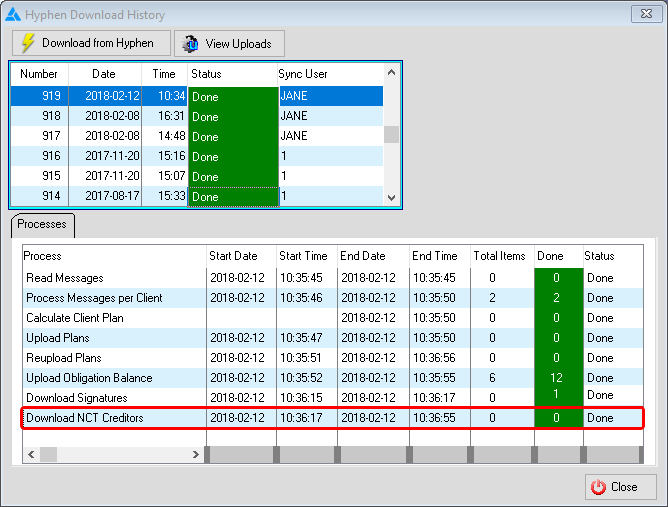
14. Download History §NCT Creditors can be downloaded which contain the NCT Citation note for each creditor.
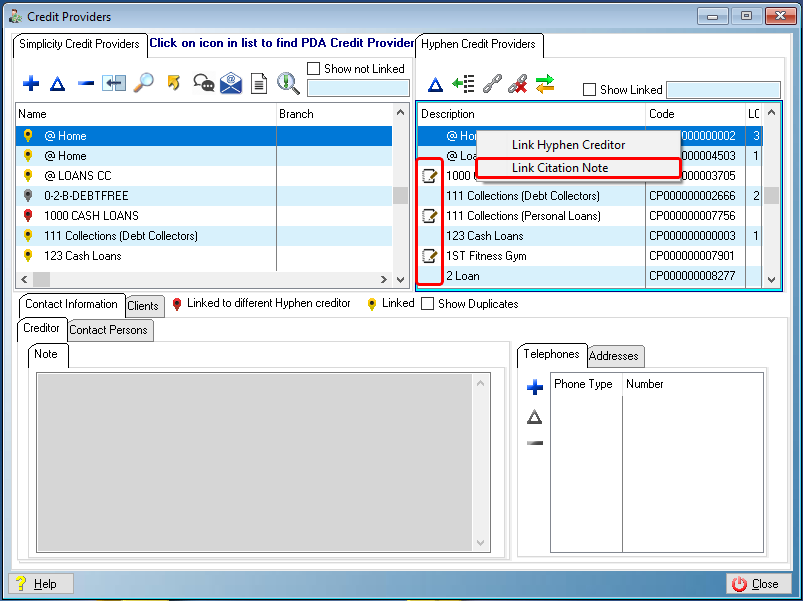
15. Credit Providers §Added feature which allows the user to link an NCT Citation note to the selected Hyphen Creditor.
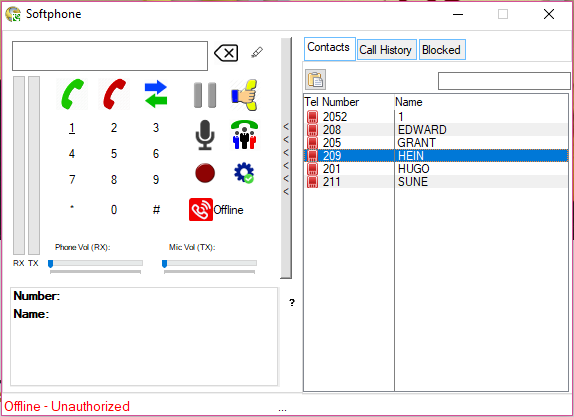
16. Softphone §Added feature that will insert an "Incoming Call" CRM record for a client if the number being used to call the softphone is inserted on the corresponding client in Simplicity.
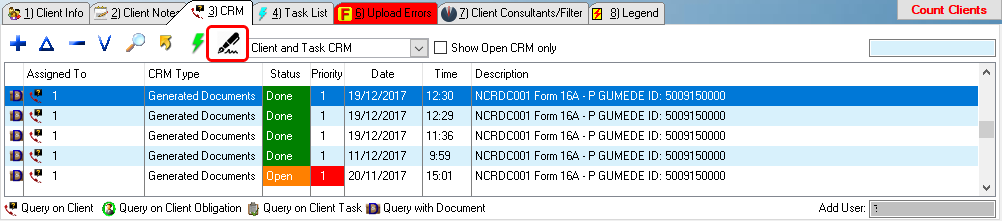
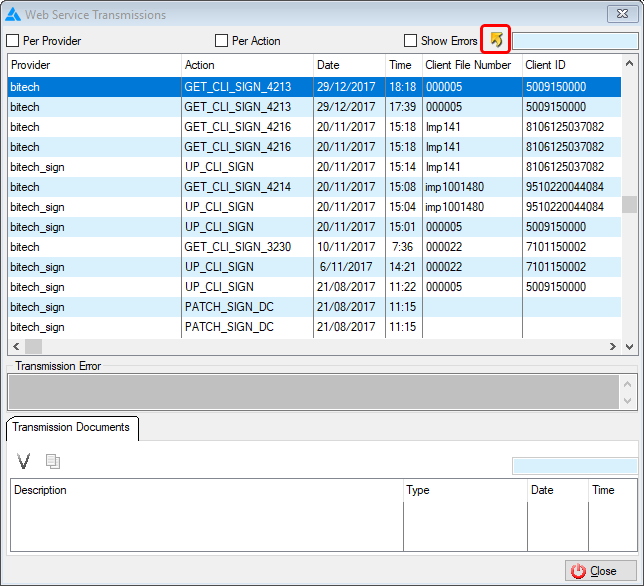
17. Client Browse - CRM Tab §Added a feature that checks online for a signature for the selected client's e-signed documents.
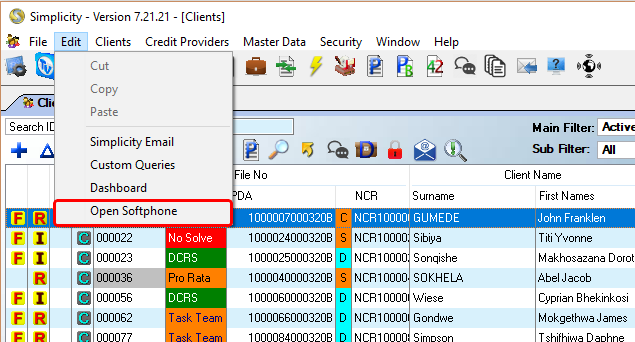
18. Edit §Added Softphone feature which can connect to a SIP account and can be used from within Simplicity.
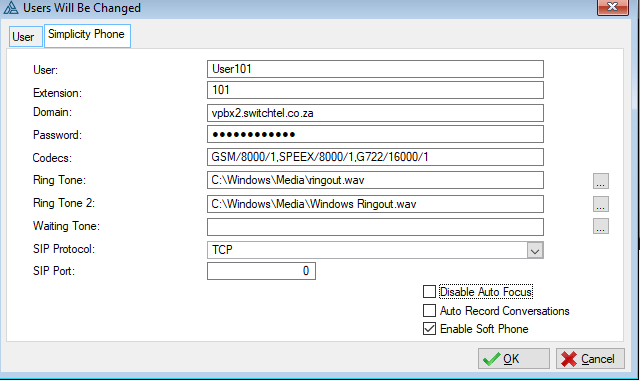
19. Security § Users - User Form - Added Softphone tab which allows the user to insert SIP details.
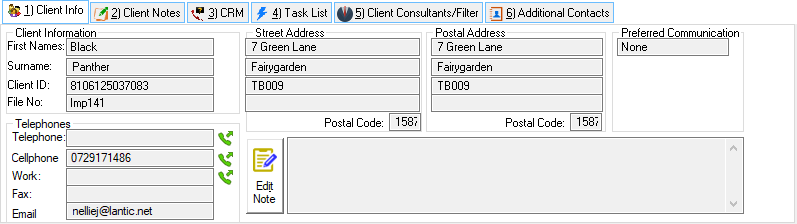
20. Client Browse - Client Info Tab §Added Softphone buttons which can be accessed by the user to dial the corresponding number using the integrated Softphone.
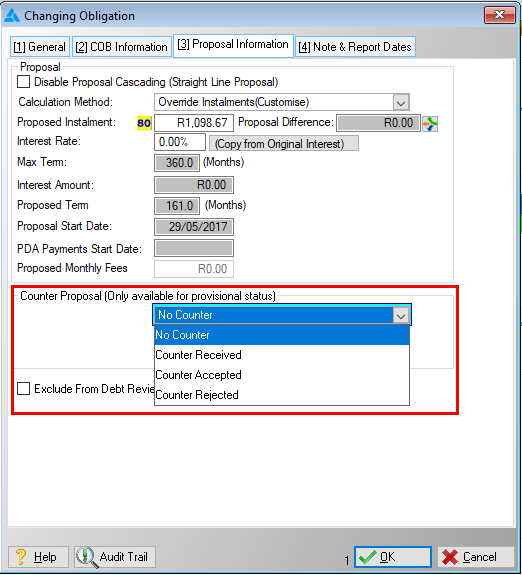
21. Obligation Form - Proposal Information Tab §Updated counter Proposal feature to include 4 statuses, each status has different effects on the proposed instalment and interest.
§Added Send To feature to the window.
|
|
|