|
Navigation: The User Interface > What is in Simplicity > Toolbar > Download PaymemtsProgram Navigation: Simplicity > toolbar > Client Browse > Hyphen Downloads |
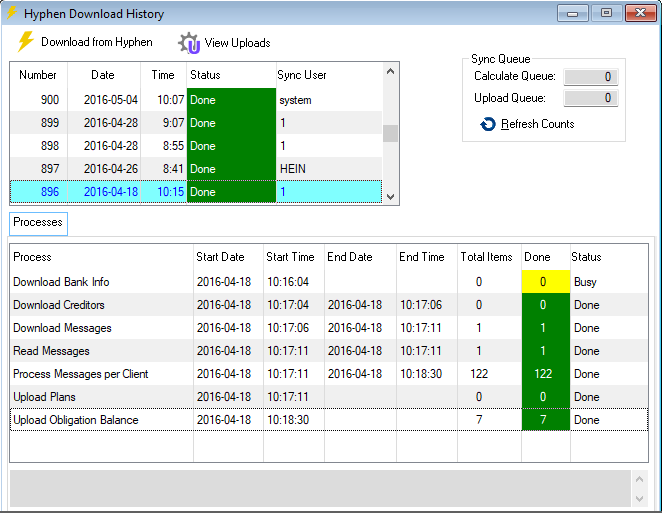
·Any actions that Hyphen takes with the plans, (collecting and distributing) needs to be communicated back to Simplicity. This is done with the Hyphen Download function.
Click on the link to expand the topic:
 The Following can be found on the Hyphen Downloads Browse
|
oThis control allows the user to transfer data from Hyphen to the Simplicity Program.
oThis control allows the user to view the upload history browse.
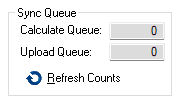
The Sync Queue will display all clients that where uploaded to Hyphen but still have plans that must be calculated and how many clients are being uploaded to Hyphen.
Calculate Queue:
oThis will display the amount of plans that are busy being calculated where a change was made, before being uploaded to Hyphen.
Upload Queue:
oThis will display the amount of plans that are busy being uploaded to Hyphen after all plans have been calculated.
Processes:
oThis tab displays all the processes being downloaded from Hyphen.
|