|
·
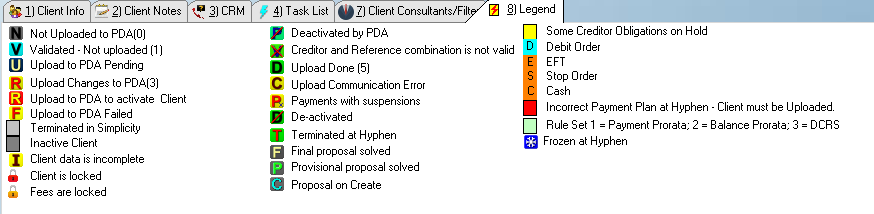
 Not Uploaded to PDA: Not Uploaded to PDA:
o Indicates that the client record and plan have not yet been successfully uploaded.
·
 Validate: Validate:
oIndicates that the validation process returned a valid creditor reference combination according to the validation check at the PDA.
·
 Upload to PDA Pending: Upload to PDA Pending:
oIndicates that the upload is currently being done.
·
 Upload Changes to PDA: Upload Changes to PDA:
oIndicates that the plan needs to be uploaded after a change was made to the client record.
·
 Upload to PDA to activate client: Upload to PDA to activate client:
oIndicates that the deactivated plan needs to be uploaded after a change was made to the client record.
·
 Upload to PDA Failed: Upload to PDA Failed:
oIndicates that the upload to the PDA has failed.
·
 Terminated in Simplicity: Terminated in Simplicity:
oThis highlight indicates that the client has been locally terminated only (Client status is "Terminated")
oThis highlight will appear on the "DC" column.
·
 Inactive Clients: Inactive Clients:
oThis highlight indicates the client's "Inactive" Check box has been selected.
oThis highlight will appear on the "DC" column.
·
 Incomplete: Incomplete:
oThis indicates that the record is currently on an incomplete status (certain criteria has not yet been fulfilled in order to successfully validate a Task Team Rule Set proposal or save the client file and generate a plan)
·
 Client is Locked: Client is Locked:
oThis indicates that the client has been locked using the "Lock Client" feature.
·
 Fees are Locked: Fees are Locked:
oThis indicates that the client's fee records have been locked using the "Lock Fees" feature.
·
 Deactivated by PDA: Deactivated by PDA:
oThis indicates that the plan has been deactivated by the PDA.
·
 Creditor and Reference combination is not valid: Creditor and Reference combination is not valid:
oThis indicates that one or more creditor reference combinations did not pass the validation check at the PDA.
·
 Upload Done: Upload Done:
oThis indicates that the upload has been successfully done.
·
 Upload communication error: Upload communication error:
oThis indicates that the communication between Simplicity and the PDA failed while uploading the client (Possibly due to a temporary server or internet fault).
·
 Payments with suspensions: Payments with suspensions:
oThis indicates that certain payments to the client's creditors were unsuccessful (Details on the suspensions can be viewed on the payment plan).
·
 Deactivated: Deactivated:
oThis indicates that the clients plan has been deactivated at the PDA by the DC.
·
 Terminated At Hyphen: Terminated At Hyphen:
oThis indicates that the client's record and plan has been terminated at the PDA.
·
 Final Proposal solved: Final Proposal solved:
oThis indicates that the client's "Proposal status" is currently on "Final" (if rule set is Task Team Rule Set, a validation ID must Exist)
·
 Provisional Proposal solved: Provisional Proposal solved:
oThis indicates that the client's "Proposal status" is currently on "Provisional" (if rule set is Task Team Rule Set, a validation ID must Exist)
·
 Proposal On Create: Proposal On Create:
oThis indicates that the proposal of the client is on a "Create" status.
·
 Frozen at Hyphen: Frozen at Hyphen:
oThis indicates that the payment plan has been frozen at the PDA.
·
 Some Creditor Obligations on hold: Some Creditor Obligations on hold:
oThis highlight indicates that some of the client's obligation's statuses are on "Hold".
oThis highlight will appear on the "NCR" column.
·
 Debit Order: Debit Order:
oThis indicates that the client's "Collection Type" "Debit Order".
·
 EFT: EFT:
oThis indicates that the client's "Collection Type" "EFT".
·
 Cash: Cash:
oThis indicates that the client's "Collection Type" "Cash".
·
 Incorrect Payment Plan at Hyphen: Incorrect Payment Plan at Hyphen:
oThis highlight indicates that the plan needs to be uploaded after a change was made to the client record and that the change was made more than 30 days ago.
·
 Rule Set: Rule Set:
oThis highlight and number indicates the rule set being used for the client's proposal.
o3 = Task Team Rule Set
|
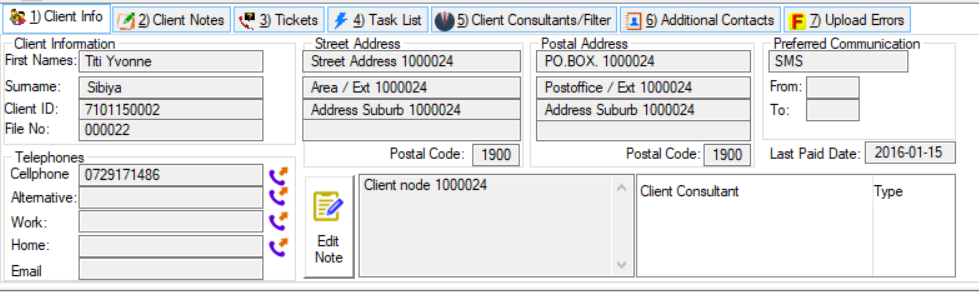
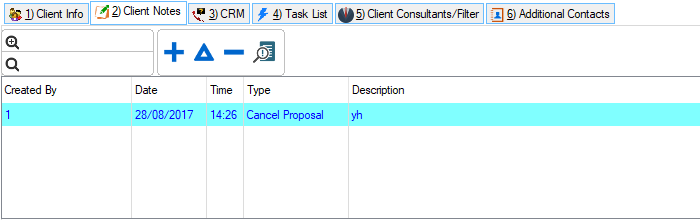
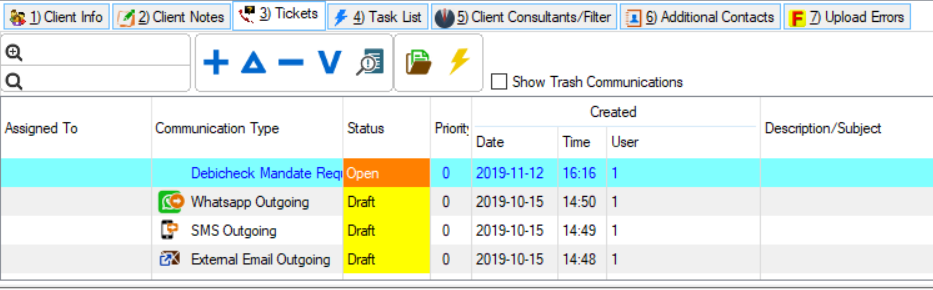
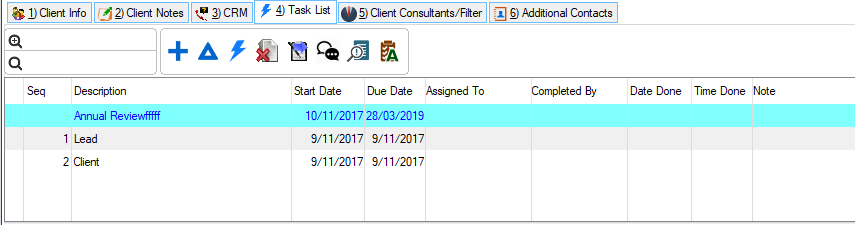
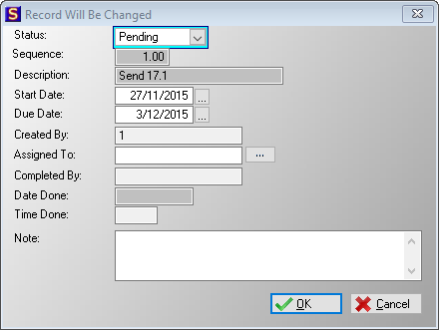
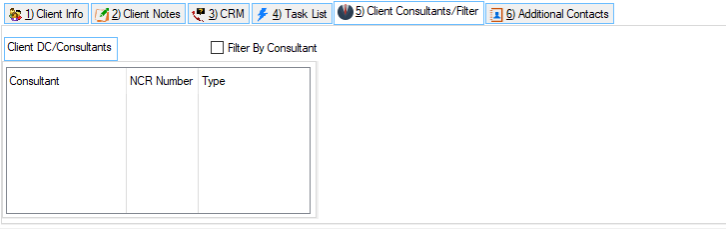
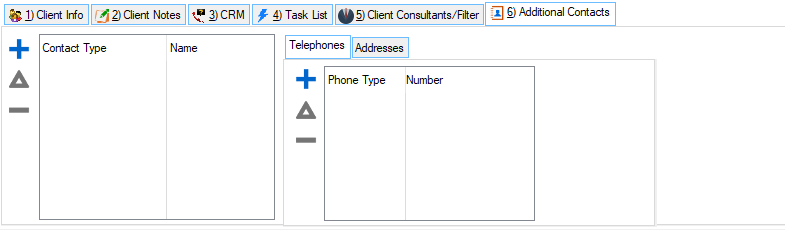
 The following tabs can be found on the Client Info browse: