|
Navigation: The User Interface > What is in Simplicity > Toolbar > Leads (Browse) > Lead DashboardProgram Navigation: toolbar > Clients > Insert > Lead Dashboard |
·This window allows a user to insert a new lead record or to manage the details of a selected lead.
·The window contains different tabs in which specific information such as the lead's budget, banking details and personal details can be captured/edited.
·A lead's proposal is also generated automatically when all relevant lead and obligation information is completed in this window
·A lead's obligations and fee records (Such as Restructure and Legal Fees) are captured in this window
·A lead's status (such as "Accepted" and "Terminated") is selected in this window
Click on the image to expand!
Click on the following headings to expand:

|
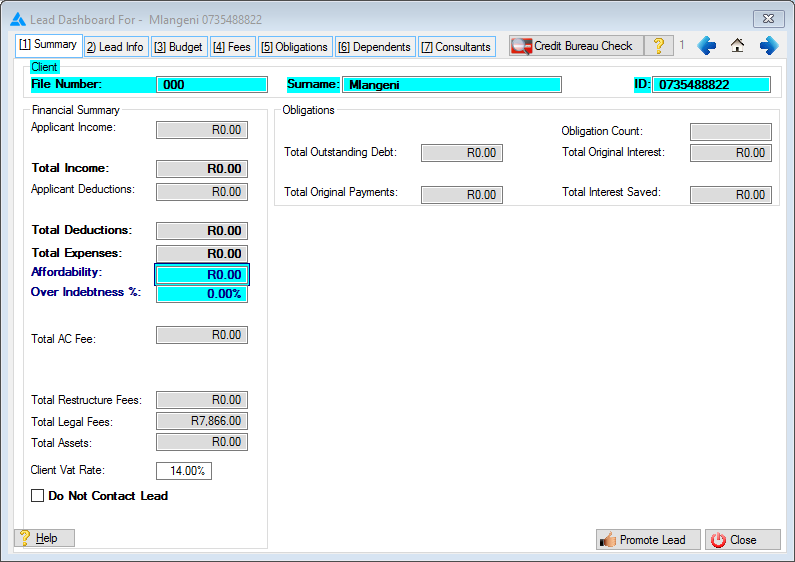
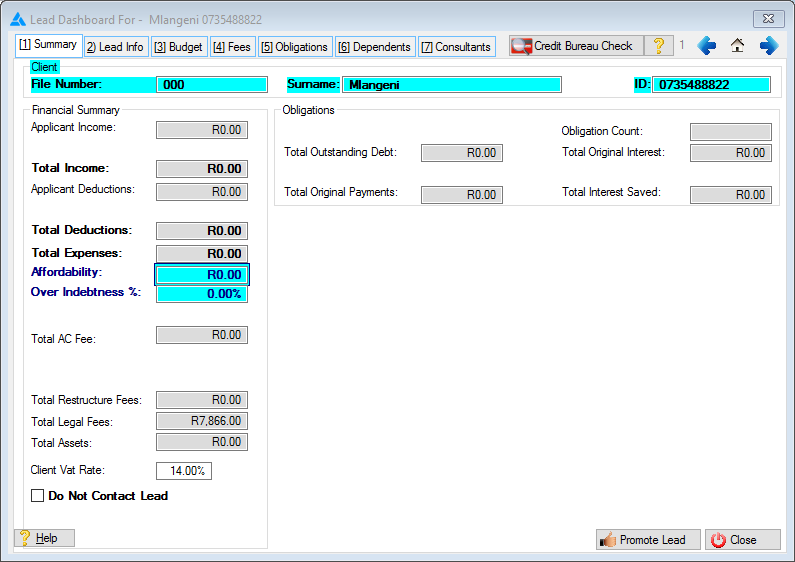
oThis window allows the user to view the basic information of the lead as well as a summary of the financial and proposed figures oThis window also displays an error list (when applicable) outlining a list of criteria not yet fulfilled in order to successfully validate a Universal Rule Set proposal or save the lead file and generate a plan, double clicking on a specific error will navigate the user to the relevant window and/or feature.
This is an example of the summary tab
|


|
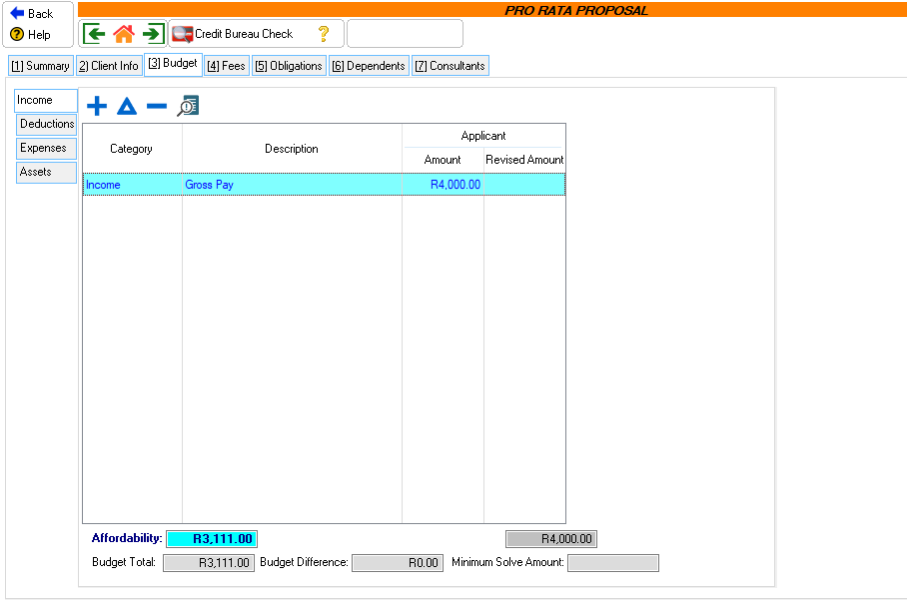
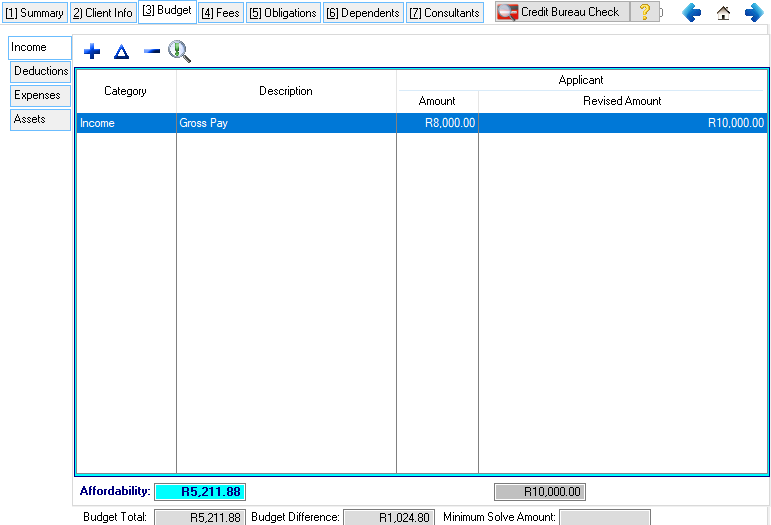
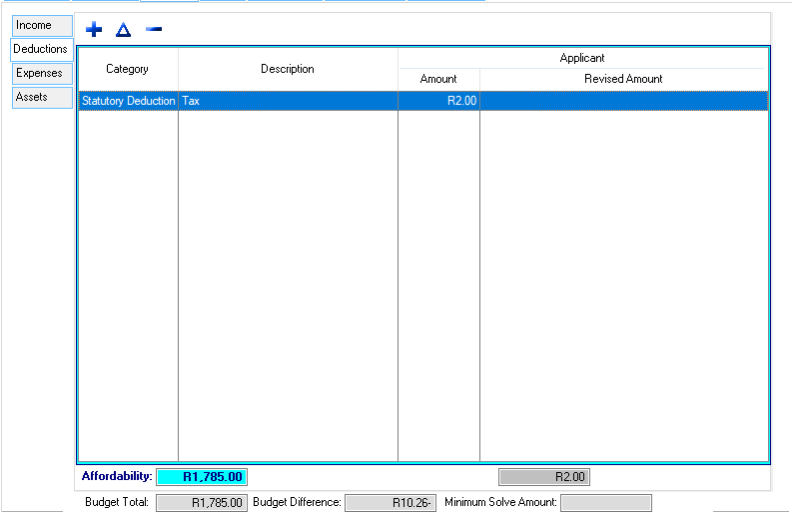
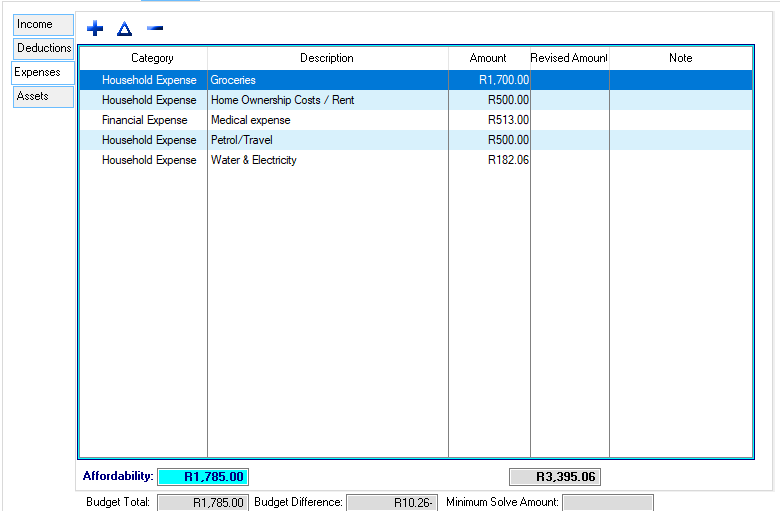
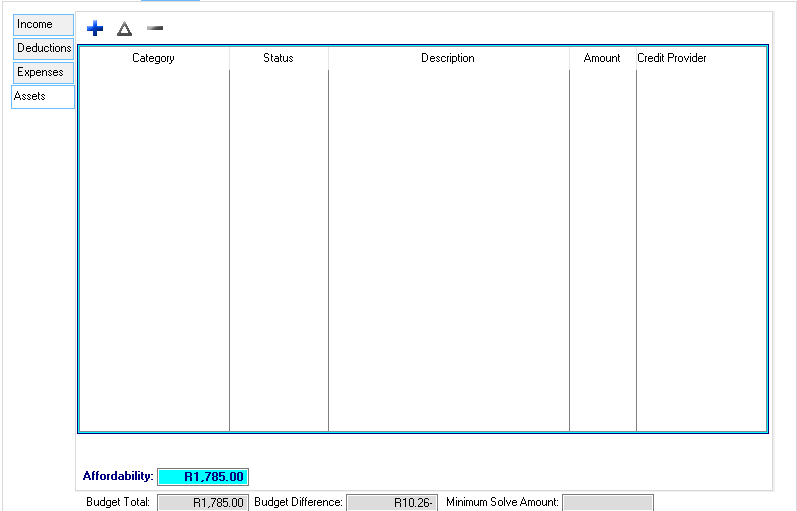
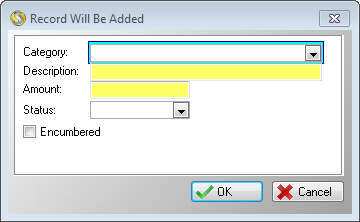
oThis form contains various tabs which allow the user to insert and edit the Income, deductions and expenses of the lead. oThe affordability (monthly payment) of the lead is determined through adding and subtracting the values contained in the various budget tabs. oAn estimated Minimum proposal solve amount is also displayed on the budget window.
This is an example of the lead Info tab
|


|
·This browse allows the user to insert one or more consultants handling the selected lead's portfolio. ·Only one of each consultant type is allowed per lead. 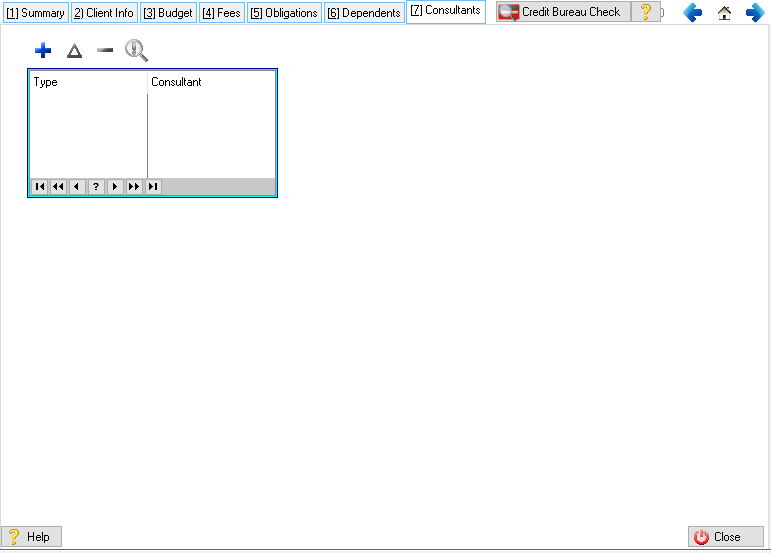
This is an example of the Consultants browse
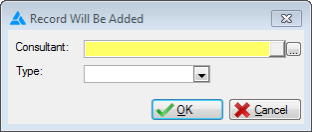
This is an example of the consultants form
|