|
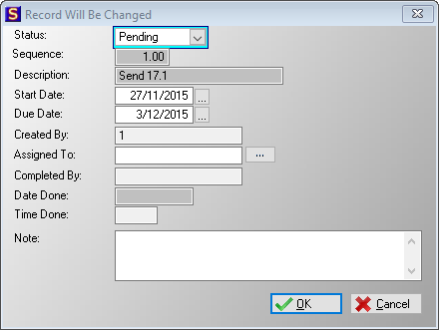
·Status:
oThis field allows the user to select one of the following statuses for the specific task:
oPending: The status indicates that the task is not yet completed.
oCancelled: The status indicates that the task is cancelled.
oDone: The status indicates that the task has been completed (the completed by field will automatically display the user that changed the status to done).
·Sequence:
oThis indicates the order in which the tasks will appear on the list of tasks for the selected lead.
·Description:
oThis field displays the description for the selected task.
·Start Date:
oThis field allows the user to edit a start sate for the task (automatically inserted when the task is generated).
·Due Date:
oThis field allows the user to edit a due date for the task (automatically inserted when the task is generated).
·Created By:
oThis field displays the user that created the task by meeting the predetermined criteria.
·Assigned To:
oThis field allows the user to assign the task to a specific user (Can also be automatically inserted depending on which option was selected in the master data).
·Completed by:
oThis field displays the user that marked the task as done.
·Date Done:
oThis field displays the date on which the task was completed.
·Time Done:
oThis field displays the time at which the task was completed.
·Note:
oThis text box allows the user to insert a note for the task.
·
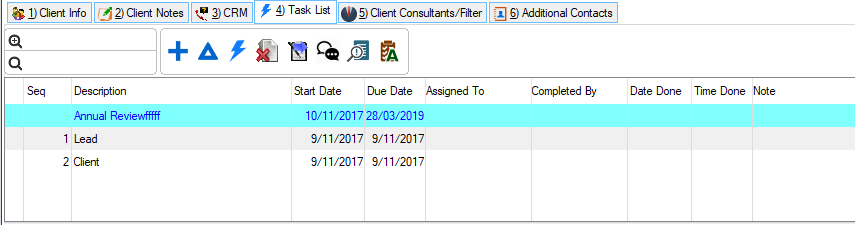
 Completed Selected Tasks: Completed Selected Tasks:
oThis control allows the user to complete the selected task for the selected lead.
·
 Cancel Uncompleted tasks: Cancel Uncompleted tasks:
oThis control allows the user to cancel all uncompleted task for a selected lead.
·
 Tasks not yet generated: Tasks not yet generated:
oThis control allows the user to display a list of Master tasks that have not yet been generated for the specific lead (This could be due to specific criteria not yet met).
·
 View Task CRM: View Task CRM:
oThis control allows the user to view all Task CRM records inserted for the selected lead task.
|
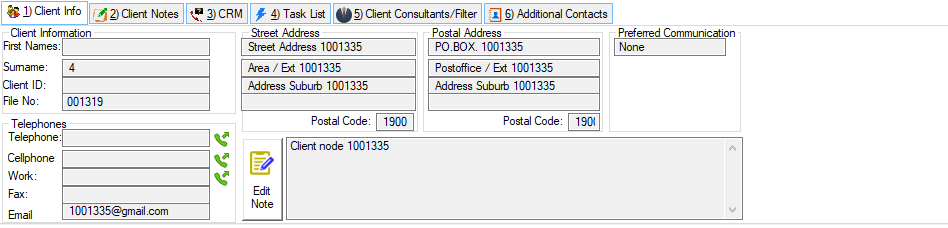
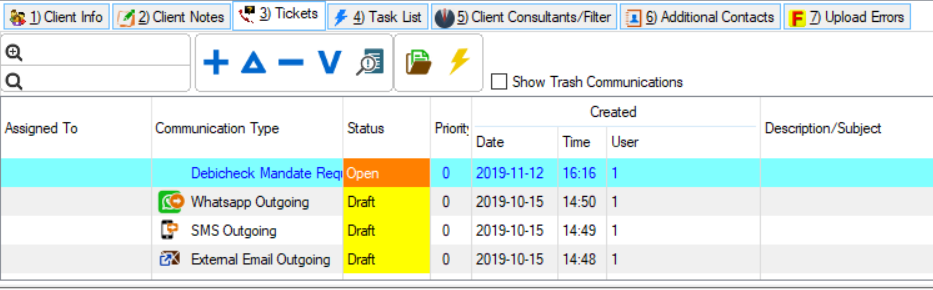
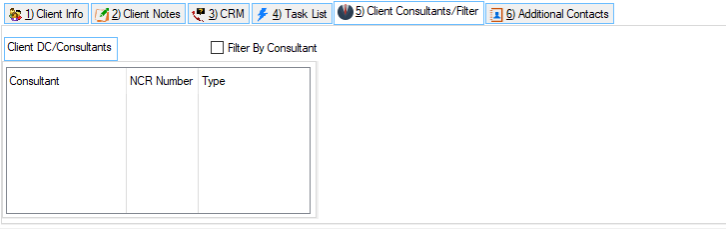
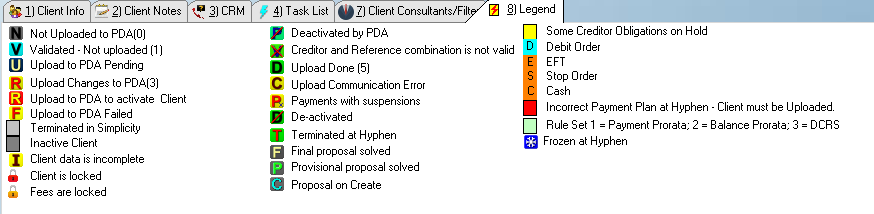
 The following tabs can be found on the lead Info browse: