Credit Bureau Check
|
Navigation: The User Interface > What is in Simplicity > Toolbar > Leads (Browse) > Lead Dashboard > Obligations > Credit Bureau Check |
oThis feature allows the a user to extract information from the credit bureau, view the specific records obtained, and insert them directly into the obligations list of a lead while editing the lead's obligations.
oThe cost of each transaction is determined by the specific credit bureau.
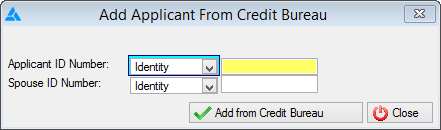
This is an example of the Credit Bureau Check form
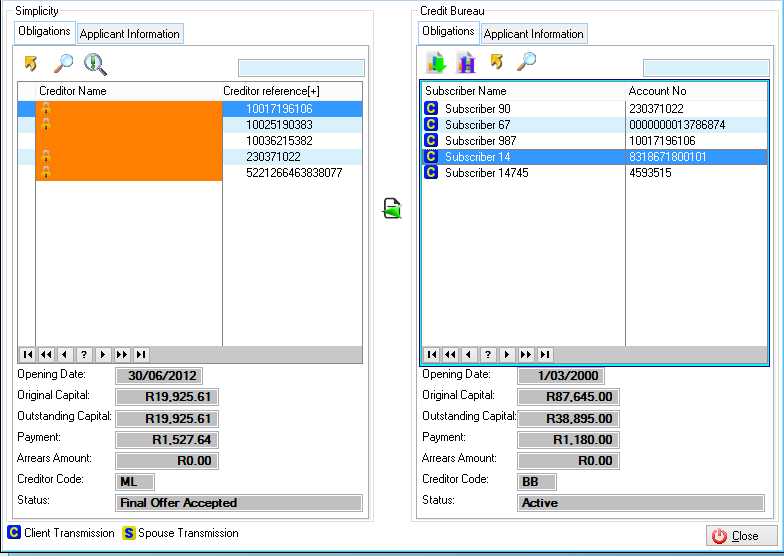
This is an example of the Credit Bureau Check browse
 The following can be found on the Credit Bureau Check browse:
|
·
oThis control allows the user to request another credit bureau check.
·
oThis control allows the user to view and extract a list of transactions performed for the selected lead. |


The following window can be accessed from the credit bureau check browse:
o
 Import Bureau Obligation Information
General Features available in this window:

Ø  QBE
QBE
Ø  Send to
Ø Sort