Upload History
|
Navigation: The User Interface > What is in Simplicity > Toolbar > Clients (Browse) > Upload History |
oThis browse allows the user to view the upload history of a client.
oThis displays basic information regarding the previous Hyphen uploads such as the date, time and the user that preformed the upload.
oThis also allows the user to view the contents of the file that was uploaded to the PDA as well as the response received from the PDA.
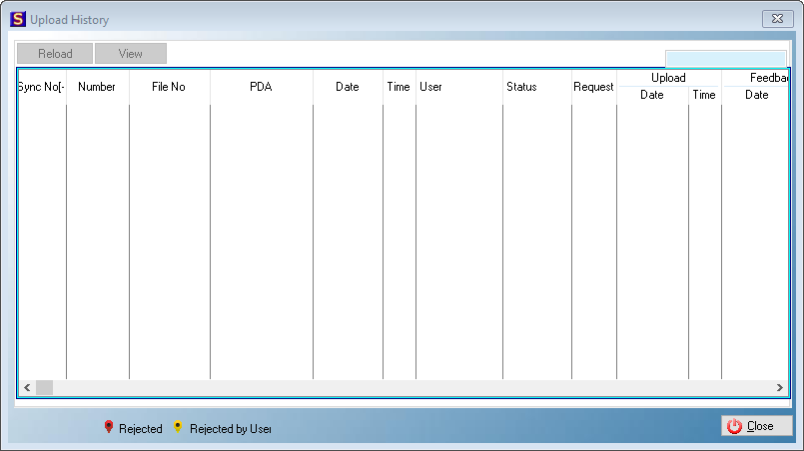
This is an example of the Upload History Browse
·View:
oThis control allows the user to view the contents of the export file and feedback file.
oExport File: This option allows the user to view the contents of the file that was sent to Hyphen.
oFeedback File: This option allows the user to view contents of the file that Hyphen has send back to Simplicity.