Tasks (Browse)
Program Navigation: Simplicity > toolbar >Task List
|
Navigation: The User Interface > What is in Simplicity > Toolbar > Tasks (Browse)Program Navigation: Simplicity > toolbar >Task List |
·This browse allows the user to view and manage all tasks for all clients.
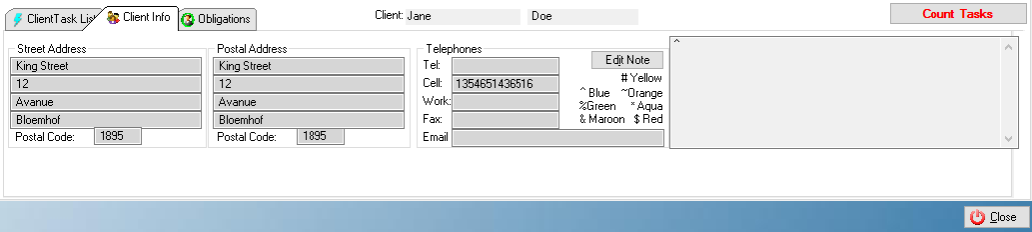
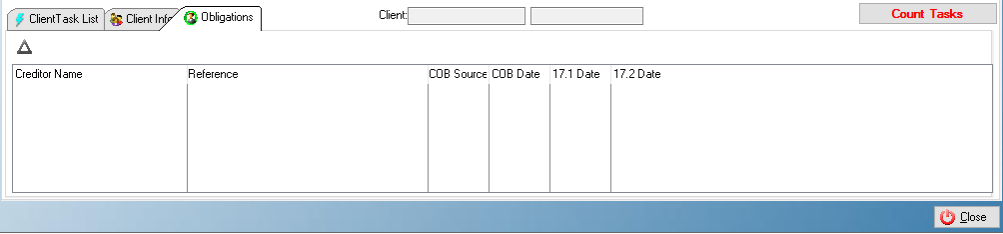
·A client's file, obligations and payment plan for the associated task can also be accessed from this window.
·This browse allows the user to assign existing tasks to specific users
·This browse allows users to view and manage all tasks assigned to themselves
·This browse makes it easy for a user to view and manage all existing tasks by a specific criteria such as open, completed, overdue and future tasks.
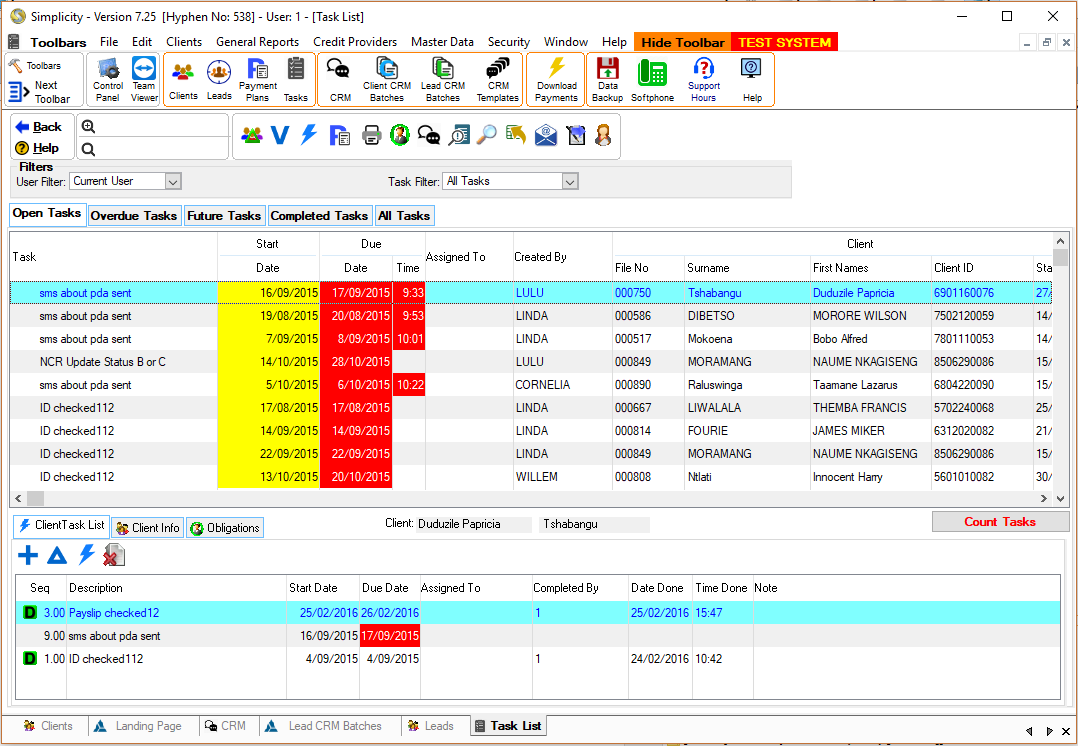
Click on the image to expand!
Click on the following headings to expand:
 The following Features can be found on the Task List Browse:
|


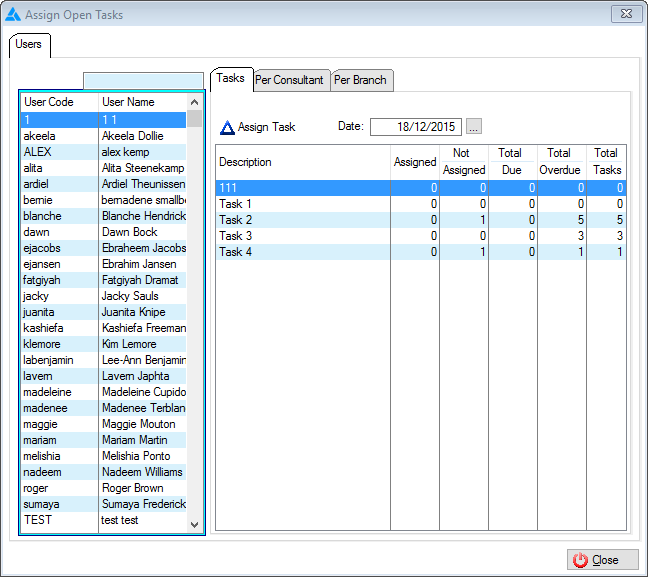

The following can be found on the Task List browse:
|
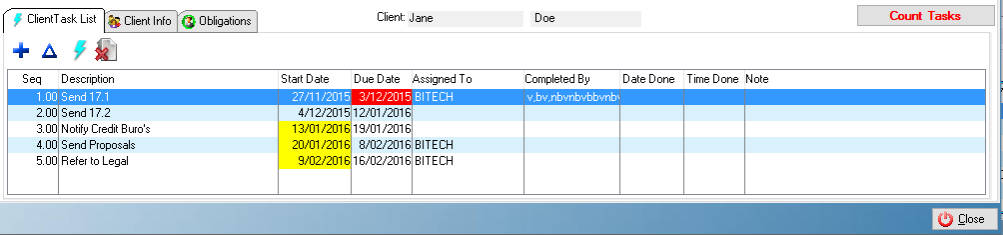

|
oThis toolbar allows the user to set up the security settings for feature or windows in Simplicity by clicking on the icon or feature that you want access granted or access denied. oThis will allow certain users to have access to certain features on the (*Subject*) browse.
This is an example of the Set Security Browse |