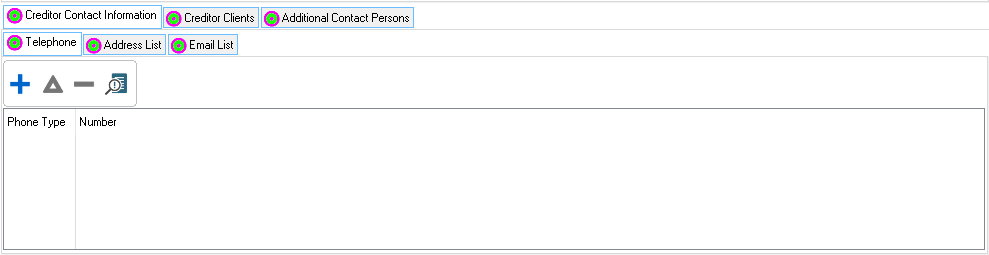
oThis tab allows the user to view associated notes and contact person information.
This is an example of the contact information tab
 The following tabs can be accessed from the Contact information tab:
|
Creditor
|
oThis tab allows the user to view associated notes and to insert/edit contact information and addresses.
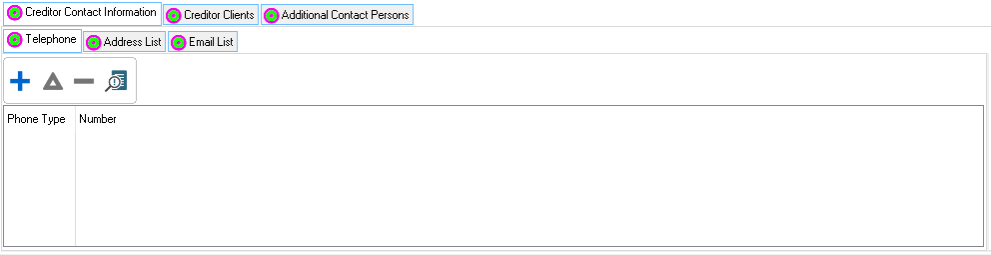
This is an example of the creditor tab
The following tabs can be accessed on the creditor tab:
|
Telephone
|
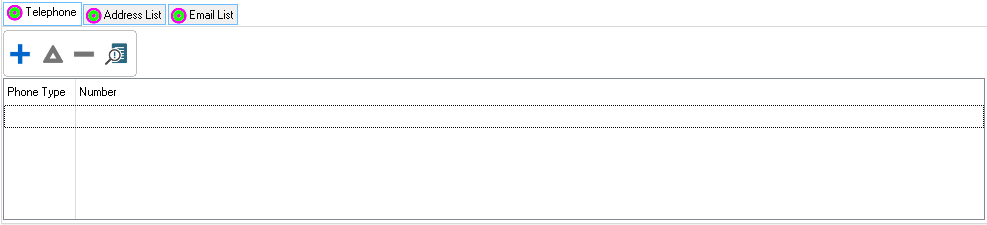
oThis tab allows the user to insert the contact details for the Creditor
This is an example of the telephone browse
|
Addresses
|
oThis browse allows the user to insert one or more addresses for the Creditor.
This is an example of the Addresses browse
The following fields can be found in the addresses
|
·Address type:
oThis field allows the user to select the type of address to be inserted for the Creditor (e.g. Street or Postal).
·Address:
oThis field allows the user to insert the address details of the
|
|
Email List
|
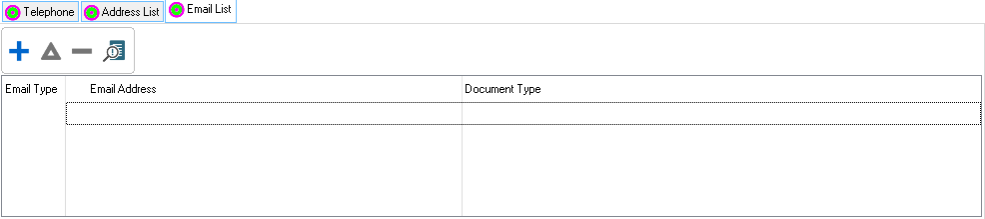
oThis browse allows the user to insert one or more emails for the Creditor.
This is an example of the Addresses browse
The following fields can be found in the addresses
|
·Document type:
oThis field allows the user to select the type of document to be inserted for the Creditor (e.g. Street or Postal).
·Email Type:
oThis field allows the user to select the email type
·Email Address:
oThis field allows the user to insert the email address details.
|
|
|
|
Additional Contact Persons
|
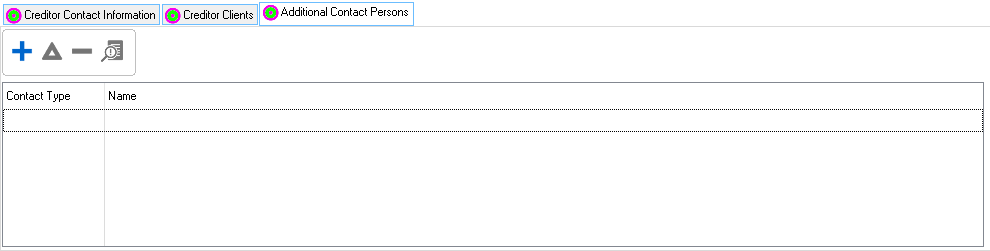
oThis browse allows the user to insert contact person details.
oAll contact persons inserted here will be available to email when emailing debt counsel reports
|
Contact Persons Form
|
oThis browse allows the user to view the details of the contact person.
oThe contact person's details can be inserted on a separate browse in the Credit Providers browse.
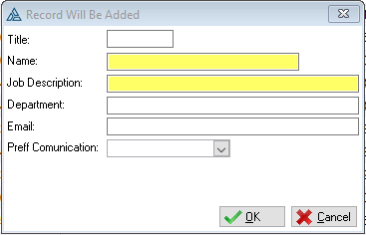
This is an example of the Contact Persons form
The following tabs can be accessed from the contact persons form:
|
·Job Description:
oThis field allows the user to insert the job description of the contact person.
·Department:
oThis field allows the user to insert the department where the contact persons works.
·Title:
oThis field allows the user to insert the Contact Person's title
·Name:
oThis field allows the user to insert the name of the contact person.
·Email:
oThis field allows the user to insert the email address of the contact person.
·Preferred communication method:
oThis field allows the user to select a preferred communication that the contact person wants to be contacted by. (e.g. Cell or Fax).
|
|
|