CRM Template
Program Navigation: Simplicity > toolbar Frame > Master Data > CRM Templates
|
Navigation: The User Interface > What is in Simplicity > Main Menu > Master Data > CRM TemplateProgram Navigation: Simplicity > toolbar Frame > Master Data > CRM Templates |
·CRM records can be captured by either constructing the record from the ground up each time or by use of Templates.
·Templates is a pre-formatted layout that can be used to create a custom communication in Simplicity.
·CRM templates are a starting point for a new communication that will be used repeatedly. These templates can be used when creating new CRM records that will be used to communicate with the client through a certain communication medium (eg. Calls/Emails or SMS)
·Templates also contain Merge fields which are fields that the user can insert into a template to incorporate values from the selected client's data that is saved in Simplicity, this will insert the client's specific details rather than just a generic hello.
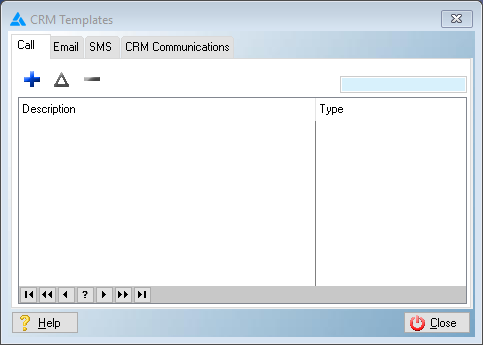
This is an example of the CRM Template browse
The following tabs can be accessed from the CRM Templates Window:
General Features available in this window:
Ø  Insert
Ø  Change
Ø  Delete
Ø Close