Whatsapp Template
|
Navigation: The User Interface > What is in Simplicity > Toolbar > Communication Templates > Whatsapp Template |
·This window allows a user to create a customised WhatsApp template
·This template includes the WhatsApp body as well at the template description
·This window also contains merge fields that can be inserted into the WhatsApp body as well as the description field, which will incorporate a client's data that is saved in the Simplicity database.
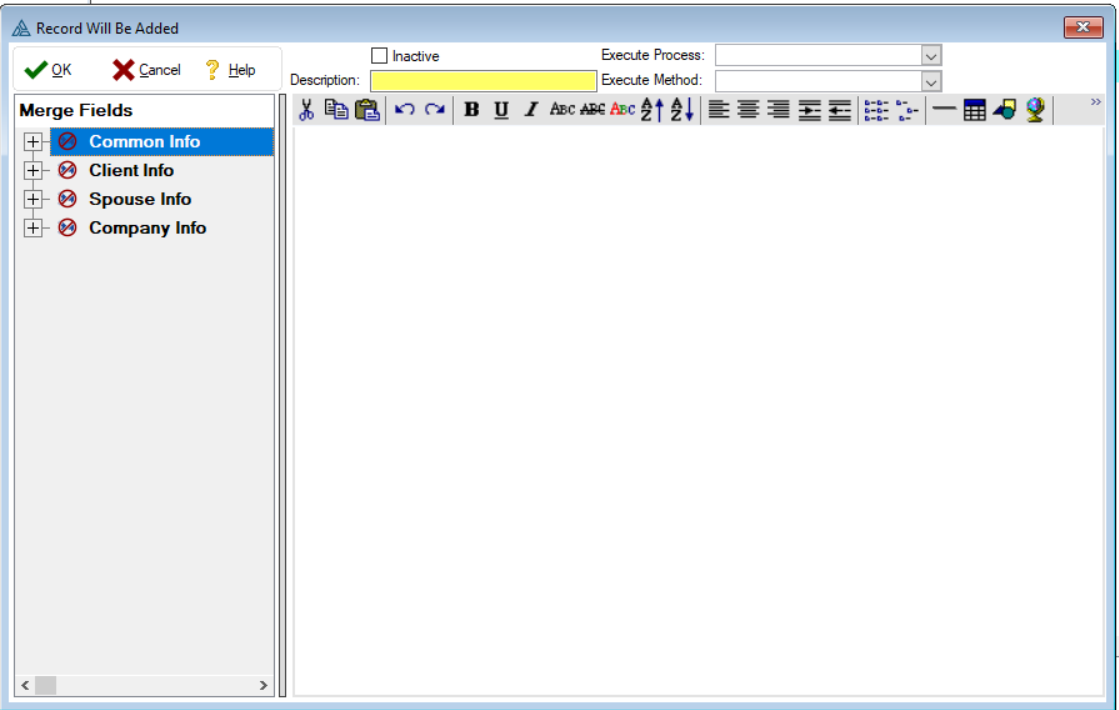
 The following features can be found on the email Email template form:
|
·Description: oAllows the user to insert a name for the WhatsApp template.
·HTML Editor: oAllows the user to make any formatting changes to the WhatsApp script.
·Merge Field: oAllows the user to insert a specific database field into the body of the WhatsApp script as a merge field. |