Watermark
Program Navigation: Simplicity > toolbar Frame > Master Data > Company Parameters > Watermark
|
Navigation: The User Interface > What is in Simplicity > Main Menu > Master Data > Company Parameters > Report Graphics > WatermarkProgram Navigation: Simplicity > toolbar Frame > Master Data > Company Parameters > Watermark |
oThis form allows the user to insert a watermark into the database.
oThe watermark is inserted as a picture which is selected from a file located on the local PC.
oThe watermark inserted here will appear on some Debt Counseling Reports.
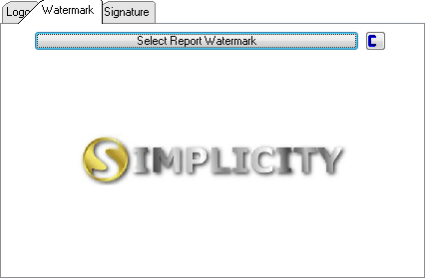
This is an example of the Watermark form.
 The following controls are available:
|
·Select Watermark: oAllows the user to insert a watermark by selecting a picture from a specific location.
·
oAllows the user to clear the currently inserted watermark. |
