Template Documents
|
Navigation: The User Interface > What is in Simplicity > Toolbar > Template Documents |
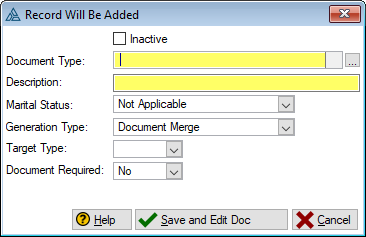
oThe Template Document Form allows a user to update the nature of the document record created once generated for a client communication
oProperties such as the document output format as well as the document name can be edited here
oThe document type selected here also determines the recipients that will be automatically inserted when generating the associated communication
Click on the following headings to expand:

|
oThis browse allows the user to create customized reports (such as legal documentation and) by use of Simplicity's own fully integrated document editor.
|
|
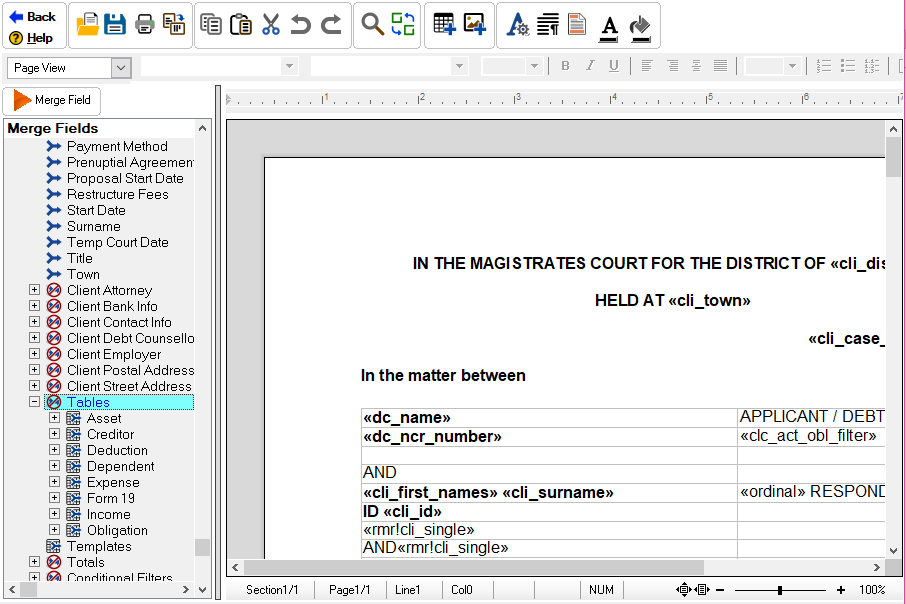
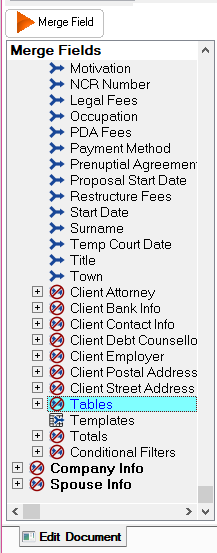
oThe Simplicity text editor allows the user to edit the content of the document. oMerge fields can be inserted into the document which will incorporate a client's data that is saved in the Simplicity database. oThe document can also be exported directly to MS Word in order to save the document as a file in the hard disk.
|








|
oThis toolbar allows the user to set up the security settings for feature or windows in Simplicity by clicking on the icon or feature that you want access granted or access denied. oThis will allow certain users to have access to certain features on the (*Subject*) browse.
This is an example of the Set Security Browse |