|
Navigation: The User Interface > What is in Simplicity > Toolbar > Team Viewer Program Navigation: Simplicity > toolbar > Team Viewer |
·The Team Viewer program is a support program that allows the Bitech support team to work remotely on the user's computer.
·Team Viewer can be downloaded from the following link: (Team Viewer)
·To use the Team Viewer program the user will have to provide the support team with the ID and Password, this will allow them to gain access to the user's computer to assist them with any queries.
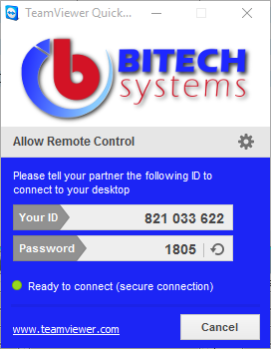
This is an example of the Team Viewer window