Report Return Emails
Program Navigation: Simplicity > toolbar Frame > Master Data > Report Return Emails
|
Navigation: The User Interface > What is in Simplicity > Main Menu > Master Data > Report Return EmailsProgram Navigation: Simplicity > toolbar Frame > Master Data > Report Return Emails |
·This browse allows the user to insert an email address for a specific report (such as the form 17.1, Form 17.2 and proposals), when printing this report, the inserted email will appear on the company details section of the report.
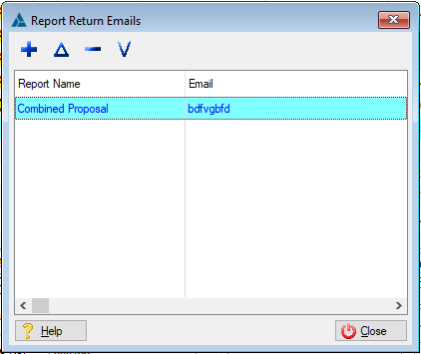
This is an example of the Report Return Emails browse
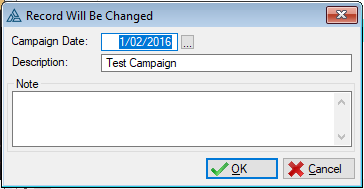 This is an example of the Report Return Emails form
 The following fields can be found on the Report return emails form:
|
·Report Name: oThis field allows the user to select a report (e.g. Form 17.2, Form 17.1 and Form 17.4).
·Email: oThis field allows the user to insert the email they would like to show on the report. |
Ø  Insert
Ø  Change
Ø  Delete
Ø  View
View
Ø Browse
Ø Forms
Ø OK
Ø Cancel
Ø Close