Contact Persons Form
Program Navigation: Simplicity > toolbar Frame > Master Data > Employers > Contact Person > Contact Person Form
|
Navigation: The User Interface > What is in Simplicity > Main Menu > Master Data > Employers > Contact Persons > Contact Persons Form
|
oThis browse allows the user to view the details of the contact person.
oThe contact persons details can be inserted on a separate browse in the employers browse.
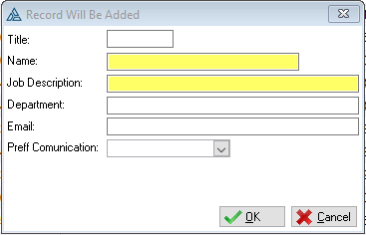
This is an example of the Contact Persons form
The following tabs can be accessed from the contact person's form window:
General Features available in this window:
Ø Form
Ø OK
Ø Cancel