Employers
Program Navigation: Simplicity > toolbar Frame > Master Data > Employers
|
Navigation: The User Interface > What is in Simplicity > Main Menu > Master Data > EmployersProgram Navigation: Simplicity > toolbar Frame > Master Data > Employers |
·This browse allows the user to maintain a list of Employers that is used in the "Employer" field on the "Client Info" window.
·Contact persons and Contact details can also be added to each Employer record.
·The Employer details are also displayed on certain Debt Counsel reports such as the form 16A.
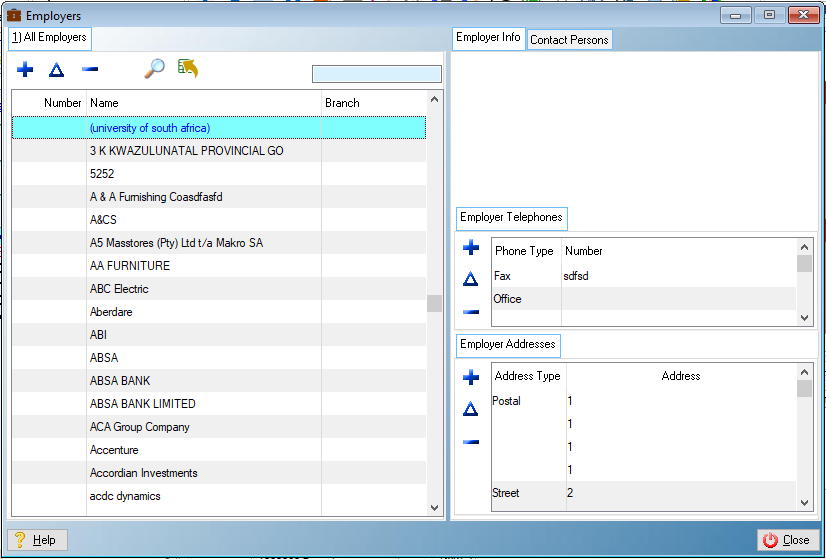
This is an example of the Employers browse
The following browses from part of the Employers' window:
General Features available in this window:
Ø  Insert
Ø  Change
Ø  Delete
Ø  QBE
QBE
Ø  Send to
Ø Browse
Ø Sort
Ø Close