Custom Queries
|
Navigation: The User Interface > What is in Simplicity > Main Menu > Edit > Custom Queries |
·This browse allows the user to run custom queries and scripts that where created for the company by Bitech systems.
·These scripts are only on request and the user can contact Bitech Support and ask for a Script Request Form.
·Queries can be used to gather information according to specific filters.
·The "December Action Date" script can also by run from this browse.
·The output format of the script results is ".csv".
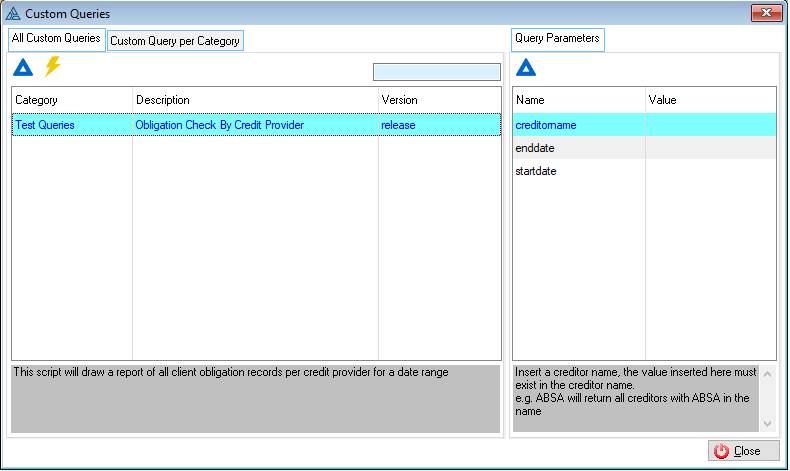
 The following can be found on the All Custom Queries Tab:
|
·Change: oThis control changes the script category and allows you to add a note.
·Execute Script: oThis control allows the user to run the selected script using the inserted parameters (If available). ·The output format of the script results is ".csv".
|
The following can be found on the Queries Parameters Tab:
|
·Change: oThis control allows the user to insert or change a parameter value. oThese parameters will filter the script results according to the parameter value. oIf end date and start date parameters exists and the parameters where created according to the clients application date, the script result will display records for clients application dates for within the inserted date range. |