Audit Trail Per Event
|
Navigation: The User Interface > What is in Simplicity > General Features > Audit Trail > Audit Trail Per Event |
·This feature will open a window that allows the user to view all fields affected by a selected change or add event.
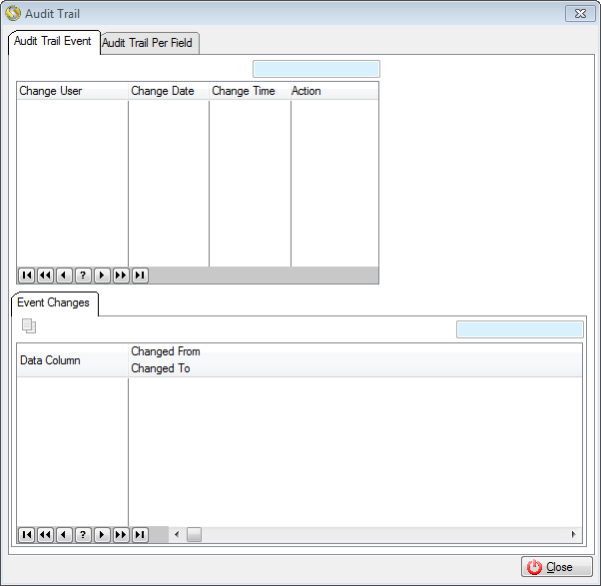
This is an example of an Audit trail Browse Per Event:
 Details available in the Audit Trail:
|
·Change User: oThe User who made the change/addition.
·Change Date: oThe date of change/addition.
·Change Time: oThe Time of change/addition.
·Action: oThe nature of the event.
Event Changes: ·Data Column: oThe field that was changed/added.
·Changed From: oThe previous value.
·Changed to: oThe new value. |