Query Settings
|
Navigation: The User Interface > What is in Simplicity > General Features > Browse > Query by example (QBE) > Query Settings |
·This feature will open a window that allows the user to specify a column and value by which to filter the current browse.
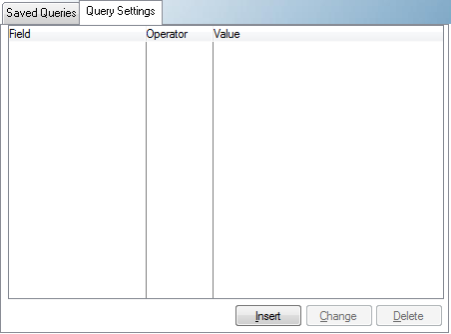
This is an example of a Query settings tab.
 Features available in the Query Settings Tab:
|
·Field: oThis column provides a list of columns/fields available on the current browse.
·Operator: oThis column provides a list of functions that determine the relationship between the field being filtered and the value being used.
oContains: Will display records for columns/fields that contain the inserted value. oBegins:Will display records for columns/fields that begin with the inserted value. oNot=:Will display records for columns/fields that are not identical to the inserted value. o=: Will display records for columns/fields that are identical the inserted value. o<=: Will display records for columns/fields that are identical or smaller than the inserted value. o>=:Will display records for columns/fields that are identical or greater than the inserted value.
·Value: oThis column allows the user to insert a value by which to filter the selected column/field. |
General Features available in this window:
Ø Cancel
Ø OK
Ø Browse